
How Often Should You Test Your Home Alarm System in South Africa?
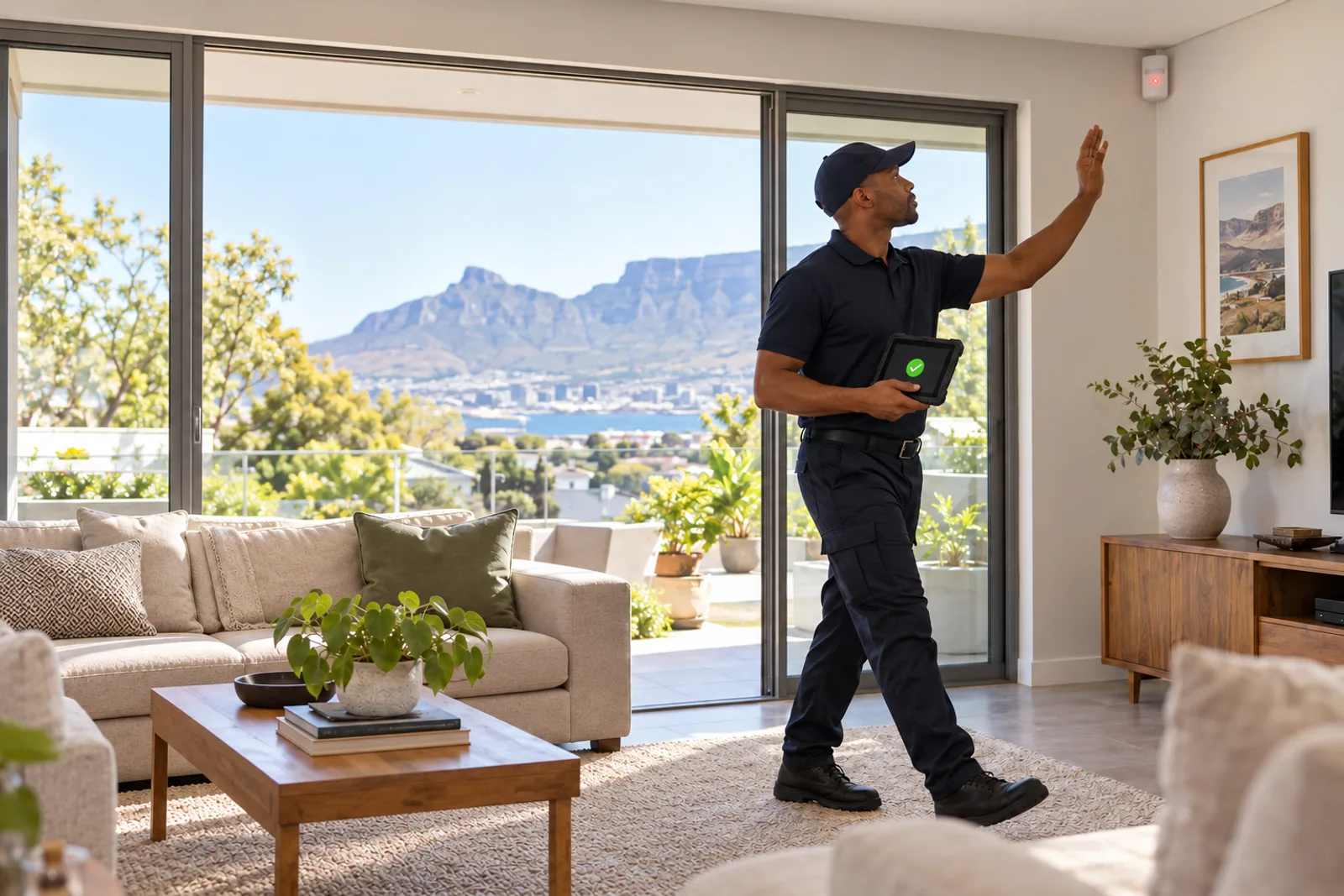
You should test your home alarm system at least every two weeks. The South African Intruder Detection Services Association (SAIDSA) states that clients must test their systems at this frequency. A professional system check is different: SAIDSA guidance recommends having the alarm checked by a technician at least twice a year.
Testing should cover the relevant detectors and confirm that the correct signals reach the monitoring control room. Always arrange a test with your monitoring company before activating the alarm or panic buttons.
How often should a home alarm be tested?
SAIDSA's answer is at least once every two weeks. This is the interval given in its alarm-system FAQ and on its alarm installation certificate documentation.
A two-weekly test helps reveal problems that may not be obvious during normal use. An alarm can appear to arm correctly even if an individual detector, panic button or communication path has a fault.
Use a recurring calendar reminder rather than relying on memory. Homes with several users should make one person responsible for arranging and recording the test.
What is the difference between an alarm test and a service?
An alarm test is a routine user check. It confirms that selected devices activate and that the monitoring company receives the expected signals.
An alarm service is a technical inspection. A technician may assess faults, batteries, wiring, detectors, communication equipment and other components according to the system and its condition.
The SAIDSA information guide recommends regular testing by the user and says the system should be checked at least twice a year, preferably by a technician from the company that installed it.
How do you test a monitored alarm system safely?
- Contact the monitoring company and ask to place the alarm on test.
- Confirm which devices and zones will be tested.
- Arm the system according to its normal procedure.
- Activate one agreed detector or device at a time.
- Include panic buttons only when instructed to do so.
- Ask the control room which signals were received.
- Report any missing or incorrect signals.
- Confirm that testing is complete and the account is no longer in test mode.
Procedures differ between systems and monitoring companies, so follow the instructions provided for your alarm. Do not create a live alarm activation simply to see what happens. An unannounced test can cause confusion and may result in unnecessary calls or response activity.
What should be included in an alarm test?
The exact test depends on the equipment installed, but the aim is to check all relevant parts of the system over an appropriate testing cycle.
Door and window contacts
Open the protected door or window while following the approved test procedure. Confirm that the correct zone registers and that the contact is not loose, damaged or obstructed.
Indoor motion detectors
Use the system's walk-test or monitoring procedure where available. Confirm that each intended area detects movement. Furniture, storage and changes to room layouts can interfere with coverage.
Outdoor beams and detectors
Check for plants, washing, garden furniture or other objects blocking the detection area. Look for cracked lenses or physical damage, but leave adjustments and repairs to a qualified technician.
Panic buttons
Test fixed and remote panic buttons only after notifying the monitoring company. Everyone who may need a panic button should know where it is and how the specific device operates.
Siren and keypad indications
Check that the siren operates as expected during the agreed test and that the keypad does not show unexplained warning or fault indicators. Report unusual beeps, weak sound or persistent warnings.
Signals received by the control room
A detector making a noise locally does not prove that the monitoring company received its signal. Ask the control room to confirm the zones and event types shown on its side.
Does arming the alarm mean it is working correctly?
No. Successful arming is useful, but it does not prove that every detector is operating or that every alarm signal can reach the control room.
A full test follows the event from detection to communication. For a monitored system, both parts matter: the device must identify the event, and the expected signal must be received under the relevant monitoring arrangement.
How often should an alarm system be professionally checked?
SAIDSA's information guide recommends a professional check at least twice a year. The appropriate maintenance schedule may be more frequent if the property has demanding conditions, repeated faults or equipment requiring specific maintenance.
Book a technician sooner when:
- The panel shows a fault or low-battery warning.
- A zone does not activate during a test.
- The control room does not receive an expected signal.
- False alarms occur repeatedly.
- A detector, cable, keypad or siren is physically damaged.
- The system loses power or communication unexpectedly.
Do not open the alarm panel or attempt specialist electrical repairs yourself. Ask the service provider to assess the system and explain the work required.
When should you perform an extra alarm test?
Do not wait for the next scheduled test after a change that may affect the system. SAIDSA advises testing thoroughly after repairs and after renovations or alterations.
Arrange an additional test after:
- Building work, painting or electrical work
- Repairs to alarm equipment
- Moving furniture that may block a detector
- Changes to doors, windows, gates or garage access
- Storm damage, water leaks or visible cable damage
- A long power interruption or recurring battery warning
- Adding pets or changing how rooms and outdoor areas are used
If the property's layout or security requirements have changed, ask whether the existing detector placement still suits the space.
How do you check an alarm backup battery?
A backup battery supports the alarm during a power interruption, but battery condition cannot be judged reliably from appearance alone. Warning indicators, repeated power interruptions or a system that shuts down quickly without mains power can justify a technical check.
Ask a technician to assess the battery under the correct conditions and replace it when required for the system. Do not assume a universal replacement interval or runtime because alarm equipment, battery capacity, age and connected devices differ.
What records should you keep?
A simple alarm test record can include:
- The date and time of the test
- The person who arranged it
- The zones and devices tested
- The signals confirmed by the control room
- Any faults or missing signals
- The repair reference and completion date
Also keep owner, keyholder and telephone details current with the monitoring company. A working alarm is only one part of the process; the control room also needs accurate information when handling an activation.
Frequently asked questions
How often should I test my home alarm system?
SAIDSA states that clients must test their alarm system at least every two weeks. Follow the monitoring company's test procedure before activating any devices.
How often should an alarm system be professionally serviced?
SAIDSA's guidance recommends having the system checked at least twice a year, preferably by a technician from the company that installed it.
Should I notify the control room before testing my alarm?
Yes. Arrange the test with the monitoring company first and follow its instructions so a test signal is not mistaken for a genuine alarm.
Does arming the alarm prove every detector is working?
No. Arming confirms only part of the system's operation. A proper test should cover relevant detectors and confirm that the expected signals reach the control room.
When should I test the alarm outside the normal schedule?
Test after repairs, renovations, alterations or other changes that may affect detectors, wiring, communication or the way the property is used.
Make alarm testing part of your routine
A two-weekly test is a small task that can reveal a fault before the alarm is needed. Combine those routine tests with professional checks, prompt repairs and current contact information.
Premier Security provides alarm system installation and maintenance, alarm monitoring and armed response, and wider security system support for homes and businesses in its confirmed Cape Town operational areas. Contact Premier Security on 021 701 9955 to arrange assistance with your alarm system.
Your Security Is Our Business.